Trinet Wrist Kit
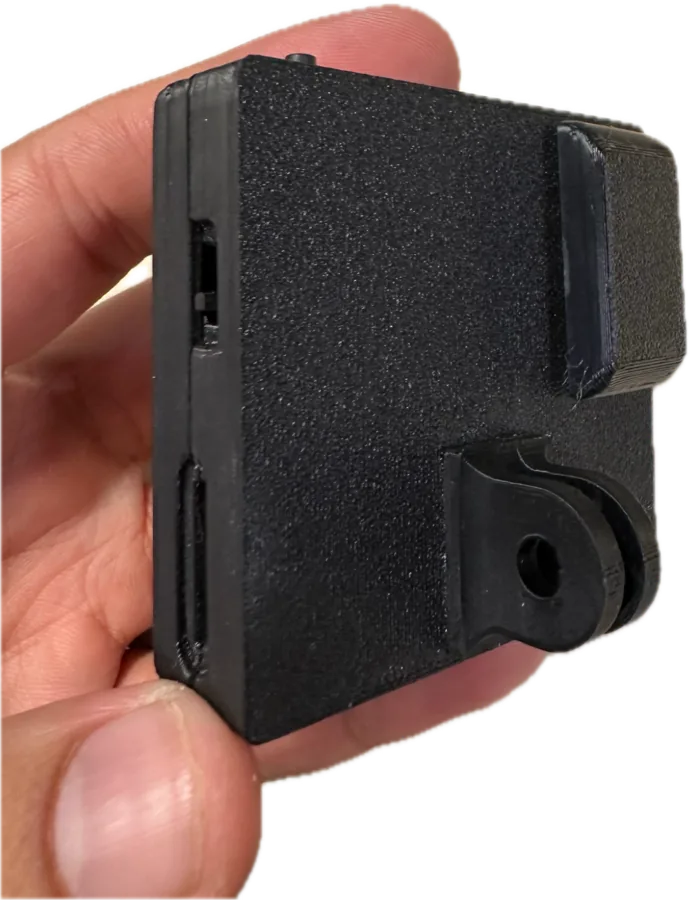
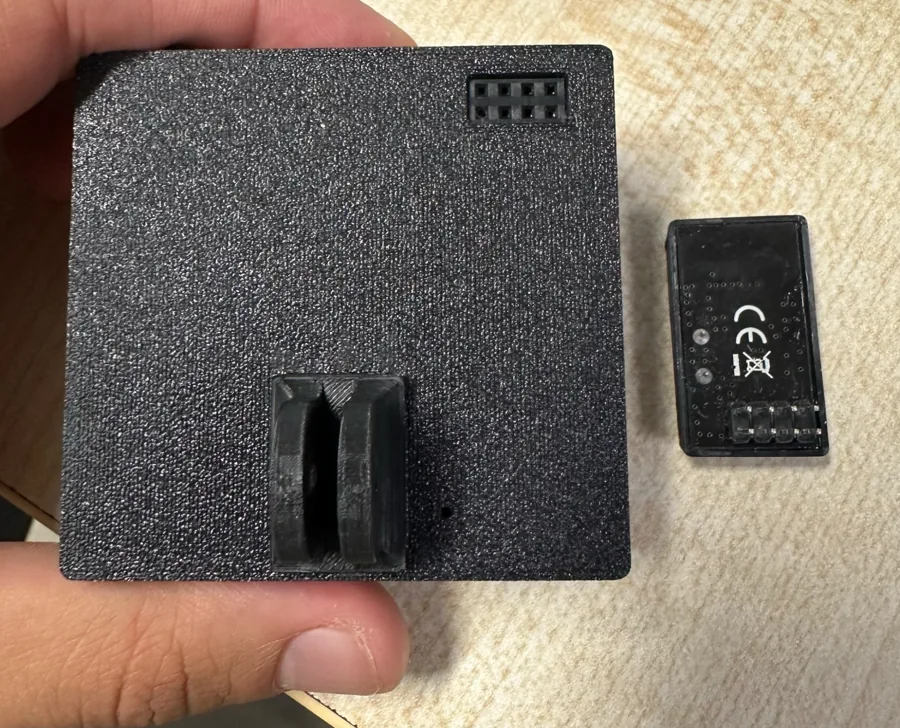
The Trinet Wrist Kit combines a head camera with a camera on each wrist. The cameras share a clock over a short-range radio link, start and stop together, and stamp every frame on one common timeline — so the view from your head and the close-up views of both hands can be lined up frame by frame.
How it works
- Factory-paired. A kit arrives already paired: power the cameras on and they find each other.
- One button starts the whole kit. Press the button on any camera and every camera in the kit starts (or stops) recording together.
- One timeline. Cameras keep their clocks aligned to about 1 millisecond of each other while recording. Each camera records to its own memory card.
- Robust to dropouts. If the radio link drops mid-take, every camera keeps recording on its own and re-aligns when the link returns. Nothing is lost.
- Kit-wide protection. If any camera needs to cool down, the whole kit pauses and resumes together. If one camera's card fills up or is removed, the kit stops together so takes stay matched.
- Mixed cameras. Mono, Stereo and Stereo GS cameras can be members of the same kit.
Setting up and pairing
Kits are paired at the factory. To pair cameras yourself, re-pair after replacing a camera, or remove a camera from a kit, see Set up a Wrist Kit.
Recordings from a kit
Each camera writes its own files to its own card. Takes recorded together share a kit prefix
(grp…) in their file names, so the matching files from each camera are easy to group. The
Python toolkit can play kit takes side by side and verify their sync, and
the wireless UTC tool can place every take on UTC time.
Watching a kit in the field
With firmware 0.5.9 or newer, every camera broadcasts its recording status over Bluetooth. The Trinet app's Wireless status screen shows each kit and camera — recording or idle, card present, take number, model and firmware — and can alert you if a camera stops unexpectedly. The app only listens; it never connects to or controls the cameras.
Accuracy
| Measure | Typical |
|---|---|
| Motion data to video, within one camera | Sub-millisecond |
| Camera to camera within a kit | About 1 ms |
For the first one to two seconds after a take starts, cameras that are still locking on can be less accurate; trim the first seconds if you need the tightest alignment. More in Timing and sync.