LED indications
The status light tells you what the camera is doing. Patterns: solid, blink (steady on/off), fast blink (rapid flicker) and slow blink (about two seconds on, two seconds off).
Recording to a memory card
| Light | Meaning | What to do |
|---|---|---|
| Orange, fast blink | Starting up, waiting for the memory card | Wait |
| White, solid — at start-up or after inserting a card | Checking and repairing earlier recordings | Don't power off. Wait for green |
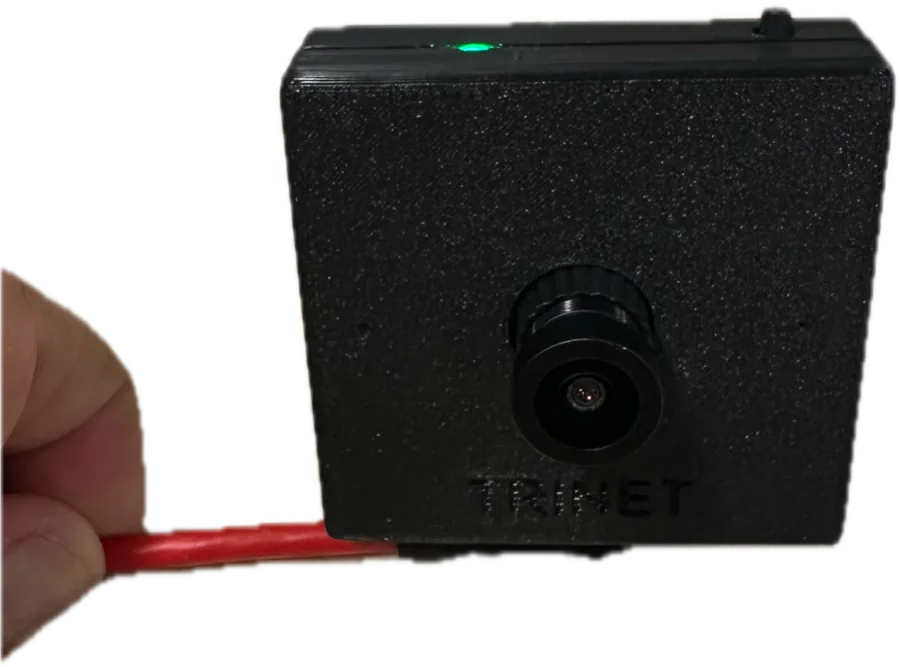
| Green, solid | Ready | Tap the button to record |
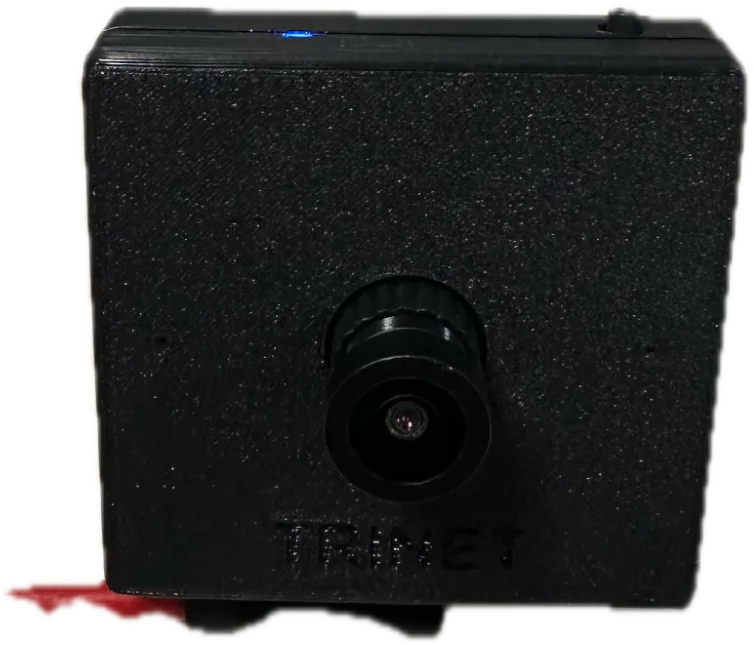
| Blue, solid | Recording | Tap the button to stop |
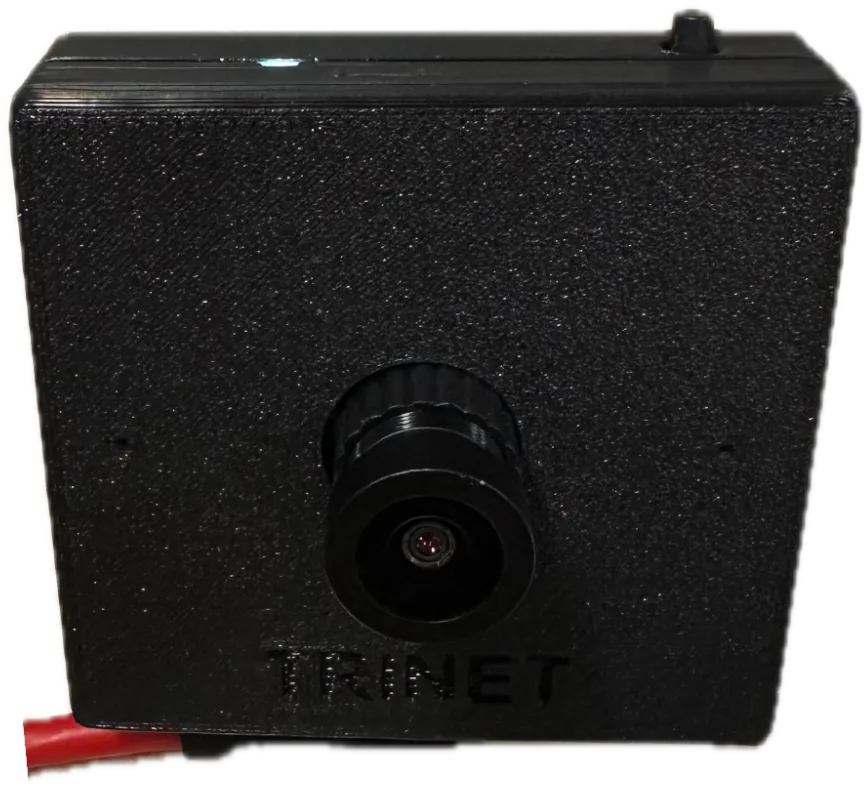
| White, solid — after stopping | Saving the take | Don't power off or remove the card. Wait for green |
| Red, slow blink | Memory card missing, not detected, or removed | Power off, reseat or replace the card |
Recording colour
Blue is the standard recording colour. Some units are configured with a different recording colour for a specific deployment.
Problems while recording
| Light | Meaning | What to do |
|---|---|---|
| Red, fast blink, stays (Mono) | Memory card full. The take was saved and recording stopped | Replace the card, then disconnect and reconnect power |
| Red, fast blink for about 3 s, then green (Stereo) | The take ended: memory card full, or recording could not continue | Free up or replace the card; tap to try again |
| Red, solid for about 2 s, then green (Mono) | Recording could not start | Tap to try again; check the card |
| Red, solid, stays | Internal fault | Disconnect and reconnect power. If it persists, contact support |
Heat
| Light | Meaning | What to do |
|---|---|---|
| Blue stays on, but no new recording (Mono) | Cooling pause — the take was saved and recording resumes automatically | Nothing. Give the camera some air |
| Red, blink (half-second) — Stereo in a kit | The kit is pausing while a camera cools; recording resumes automatically | Nothing. Tap to cancel the pause |
| Red, solid for about 2 s, then off (Stereo) | Overheated — both eyes were saved and the camera switched itself off | Let it cool, then reconnect power |
More in Heat and thermal protection.
Wrist Kit pairing
These appear only while the camera is idle (green) and you are pairing.
| Light | Meaning |
|---|---|
| Blue, blink | This camera is the kit leader; pairing is open for 30 seconds |
| Green, blink | Searching for a kit leader to join |
| Green, short flash | Joined a kit — or, on the leader, another camera joined |
| 5 red blinks | Left the kit (unpaired) |
See Set up a Wrist Kit.
USB and update modes
| Light | Meaning |
|---|---|
| White, solid | USB webcam mode — ready for the Trinet app or a computer |
| Cyan, solid | iPhone mode — ready for an iPhone (Trinet Mono) |
| Magenta (pink), solid | Receiving a firmware update — keep it connected |
| Red, blink (1 s on, 1 s off) | USB or update mode could not start — reconnect the camera |
In USB modes, apps built with the SDK can also set the light colour themselves.
Microphone mute switch
On cameras with a microphone mute switch, the light flashes red for one second when you mute and green when you unmute, then returns to its previous colour.
Not listed here?
If you see a colour or pattern that isn't on this page, disconnect power, wait a few seconds and reconnect. If it happens again, note the pattern and contact us.