Record your first take
This records video, motion data and audio to the camera's memory card, with no phone or computer involved.
- Insert a memory card. Use an exFAT-formatted microSD card
(which cards). Insert it before powering the camera.
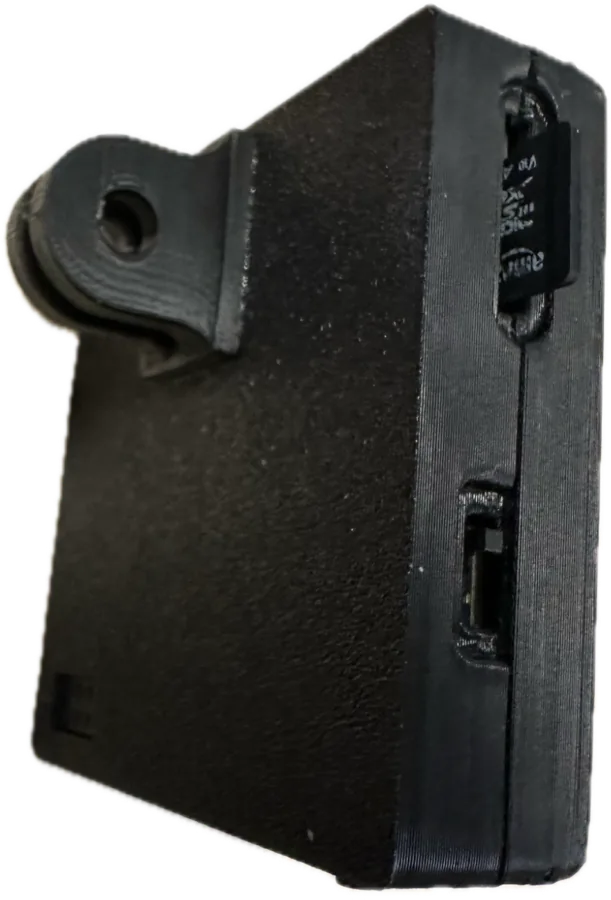
Slide the card in, contacts first. 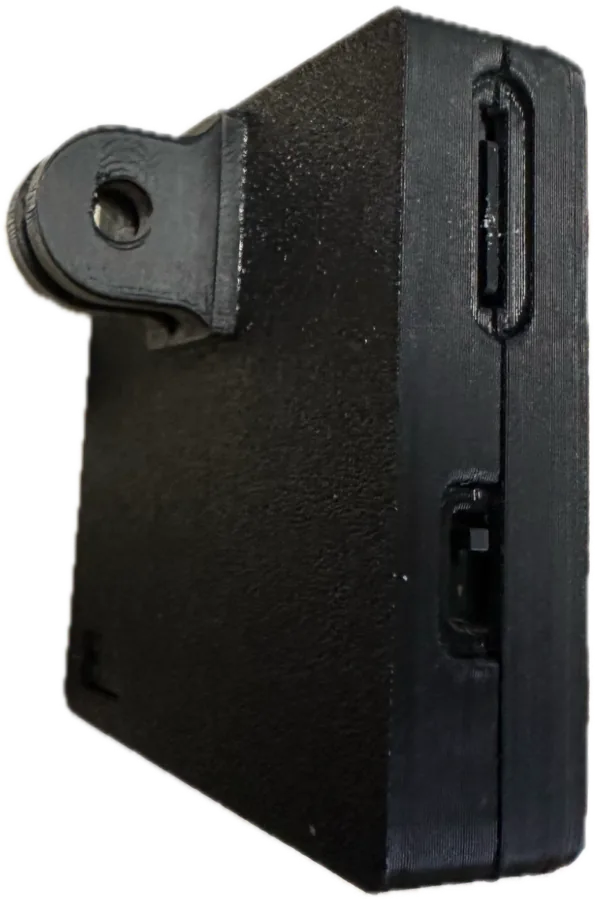
Fully inserted. - Remove the lens cap. Pull it straight off. Don't twist the lens — the focus is set at
the factory.
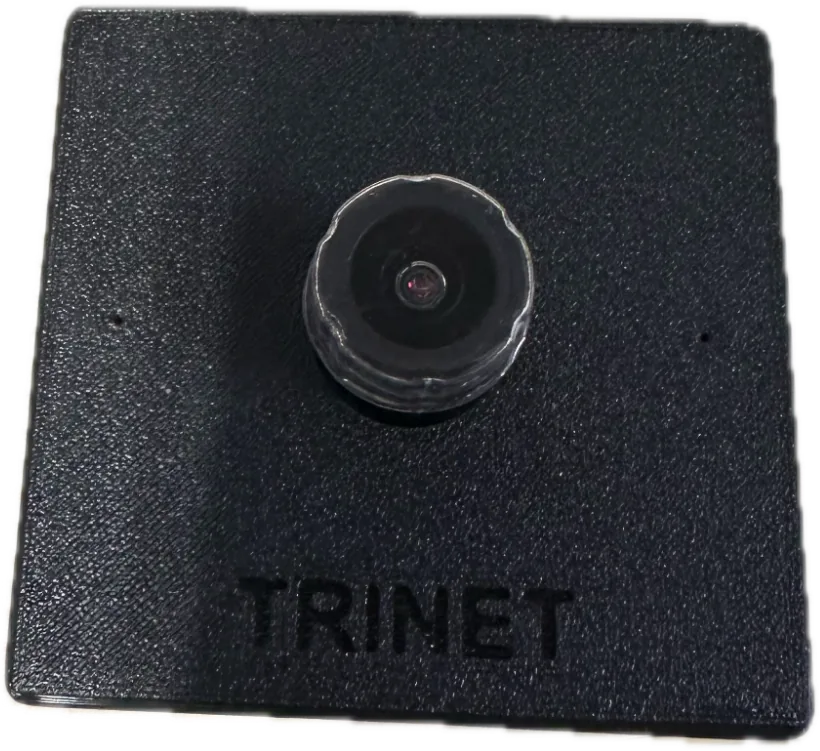
Lens cap on. 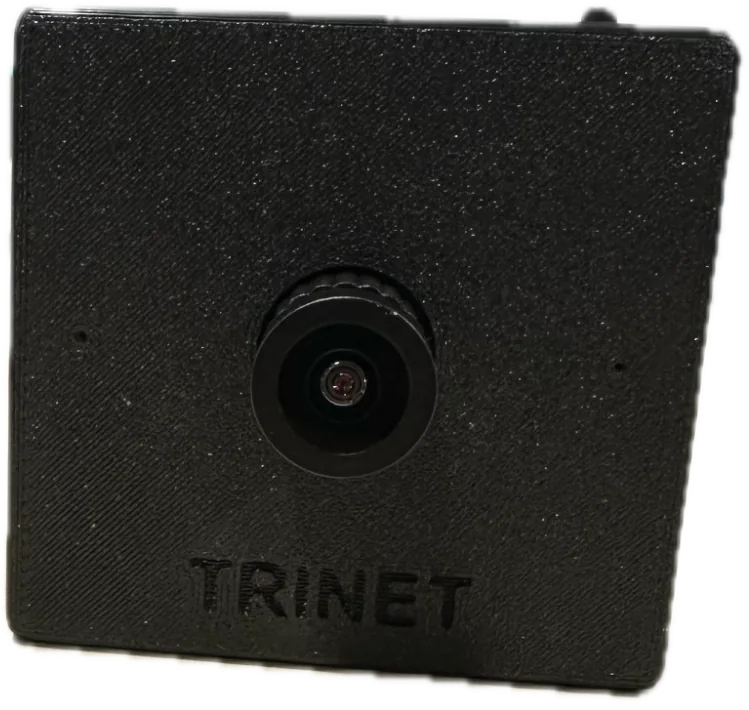
Lens cap off — ready to record. - Connect power. Plug the USB-C cable into the camera and into a power bank or charger. The light blinks orange while the camera starts up. If the light turns white first, the camera is checking and repairing recordings from an earlier session (for example after power was pulled mid-take). Don't unplug it — it turns green when done.
- Wait for green. A solid green light means
ready.
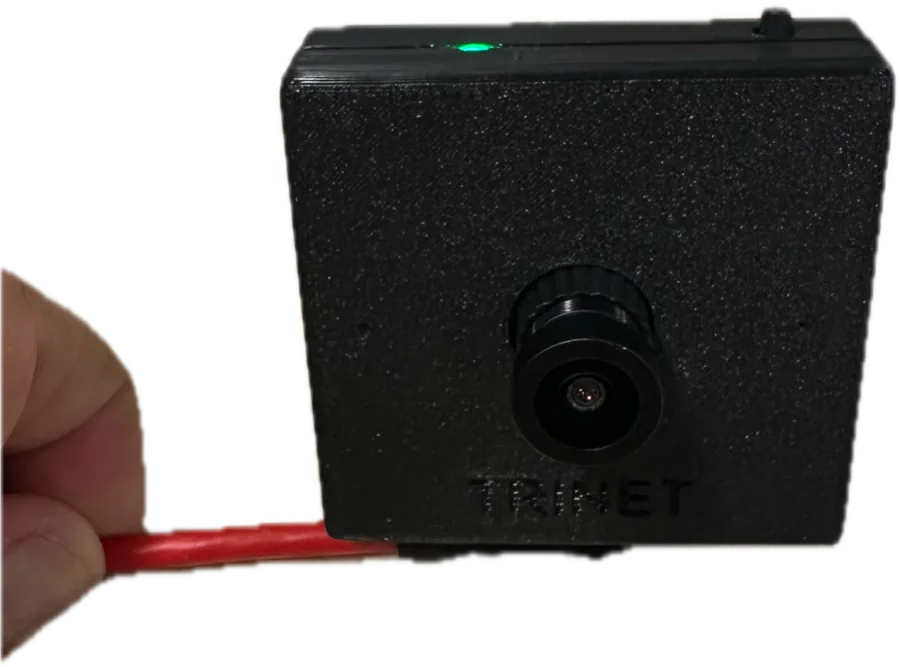
Green: ready. - Press the button to record. Tap the button once. The light turns
blue — you're recording.
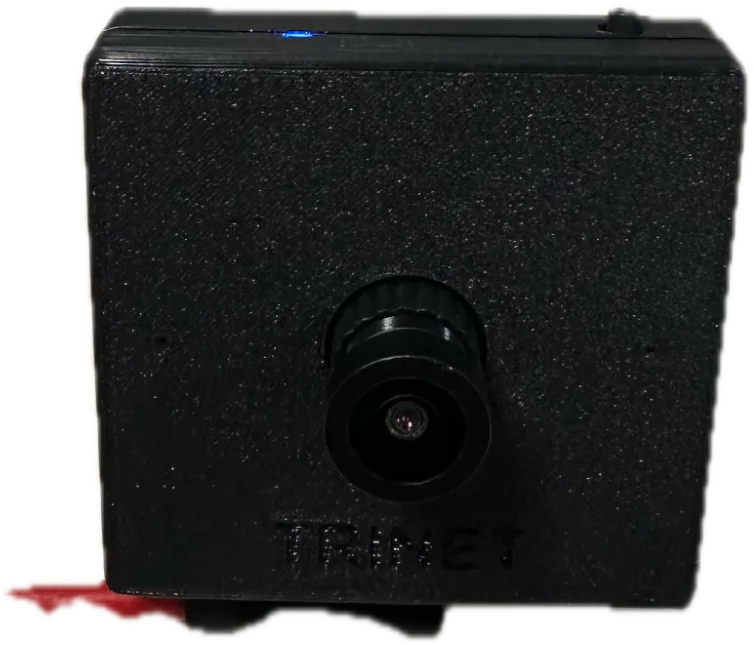
Blue: recording. - Press again to stop. The light turns white
while the camera finishes saving the take, then green.
Don't unplug while the light is white
White means the take is still being written. Wait for green before removing power or the card.
- Copy your recording. Unplug the camera, take out the card and put it in a card reader.
Your recordings are in the
Trinetfolder — see Files on the card.
What next?
- Look at the data. The
.imuand.vtsfiles are binary; open them with the Python toolkit, which can also draw the motion data over the video. - Record for hours. Mono takes are saved automatically after 8 hours; Stereo takes have no limit. Check power and heat for long sessions.
- Multiple cameras? A Wrist Kit starts and stops every camera together.
- Something unexpected? See LED indications and Troubleshooting.
If power is lost mid-take
Don't worry. The next time the camera starts with that card, it repairs the interrupted take automatically (light shows white), losing at most the last second.