Trinet Documentation
Everything you need to capture synchronized egocentric video and motion data with Trinet — from your first recording to multi-camera kits, the Trinet app, firmware updates and building your own software.
Choose your camera
-
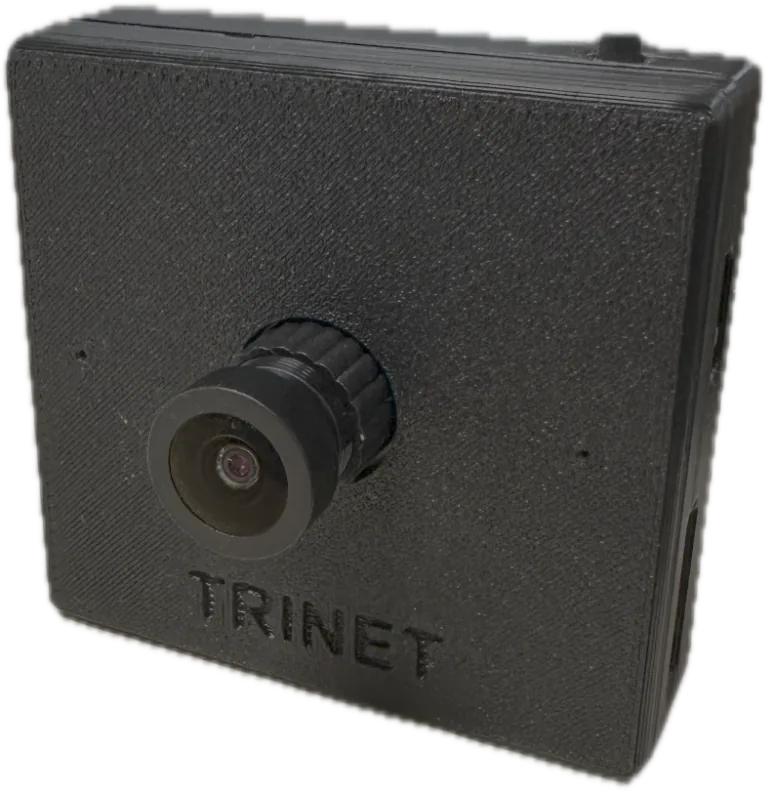
Trinet Mono
A single ultra-wide camera with high-rate motion sensing and audio, on one shared clock.
-
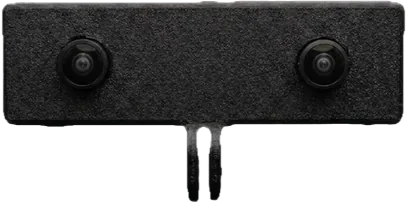
Trinet Stereo
Two cameras 70 mm apart for depth and 3D, with rolling-shutter sensors and per-unit factory calibration.
-
Trinet Stereo GS
The stereo camera with global-shutter sensors — no motion skew for fast hand and head movement.
-
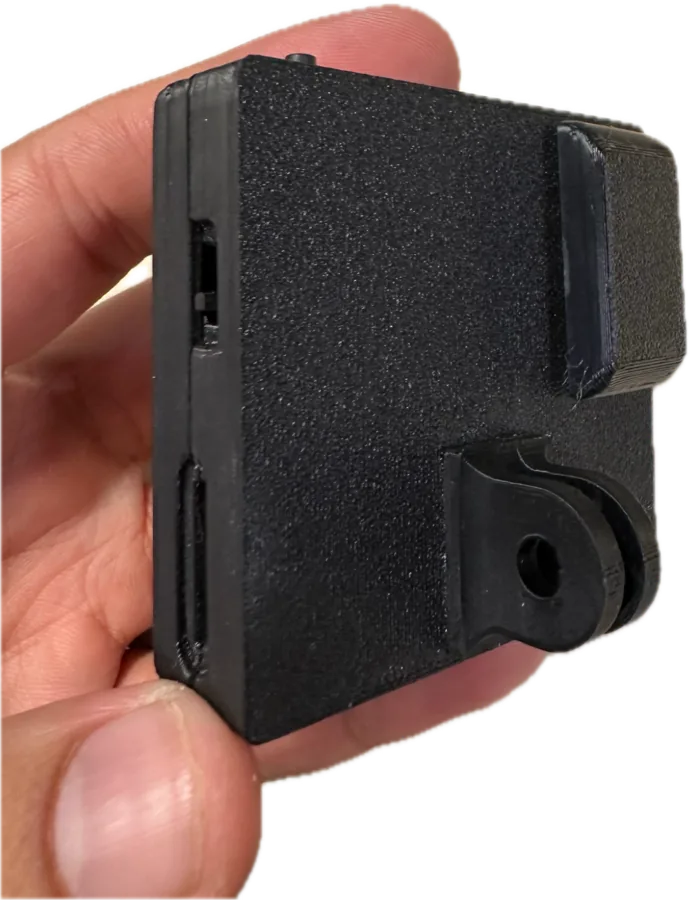
Trinet Wrist Kit
A head camera and two wrist cameras recording together on one wireless shared timeline.
Not sure which one you have? See Which camera do I have?
Popular topics
-
Record your first take
Insert a card, power on, press the button. Five minutes from unboxing to your first recording.
-
What does the light mean?
Every colour and blink pattern of the status light, in every mode.
-
Power and power banks
What to power the camera with, how long it runs, and power banks we've tested.
-
Update the firmware
Update from the Trinet app in a few minutes, and see what changed in every release.
-
Python toolkit
Inspect, repair, visualize and export recordings to MCAP / ROS 2 with Trinet-tools.
-
Build with the SDK
Stream, record and play back Trinet video and motion data in your own Android or iOS app.
Why Trinet
- One clock for everything. Every video frame, motion sample and audio sample is timestamped on the same camera clock, so motion data lines up with video to well under a millisecond.
- Cameras that agree with each other. Cameras in a Wrist Kit share a wireless clock and stay within about a millisecond of each other.
- Self-describing recordings. Each recording carries the camera's identity and calibration, in open, documented file formats.
- Works standalone or tethered. Record to a memory card with one button, or stream over USB to an Android phone, iPhone or computer.
Need help?
Search this site (press /), check Troubleshooting and the FAQ, or contact us.