Get started
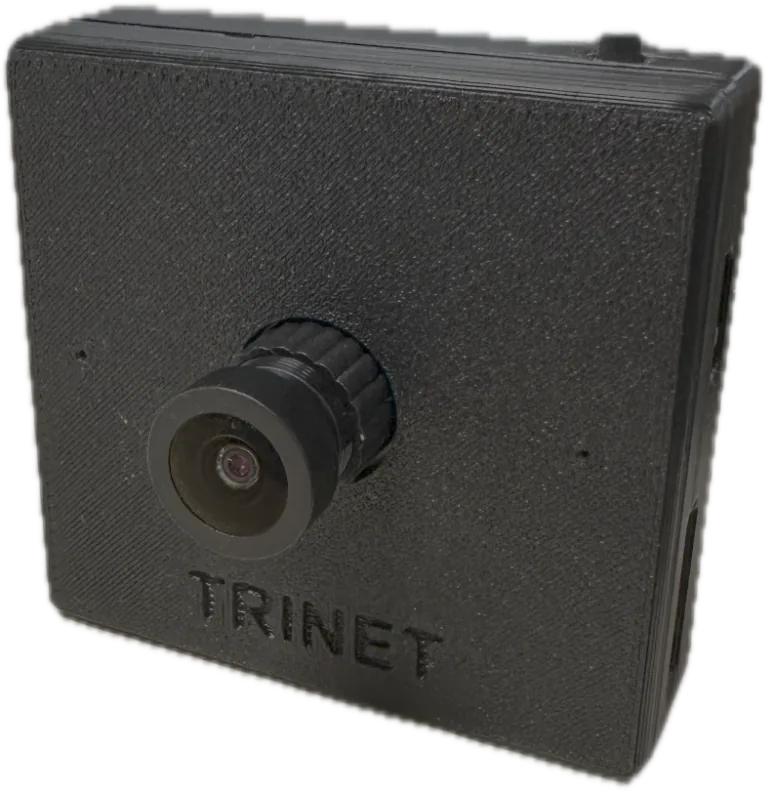
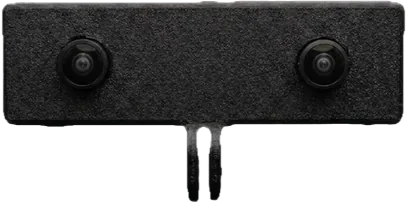
A Trinet camera works in two ways:
-
On its own, to a memory card
Insert a microSD card, power the camera, press the button. No phone or computer needed — ideal for long sessions and field data collection.
-
Tethered, over USB
Plug the camera into an Android phone (Trinet app), a computer or — for Trinet Mono — an iPhone, with live preview and recording on the device.
What you need
- A Trinet camera and its USB-C cable.
- A microSD card for standalone recording — exFAT formatted, a fast endurance card, 64 GB or more (128 GB or more for stereo). See Memory cards.
- Power: a USB power bank or charger that supplies 5 V at 1 A or more. Some power banks switch off at the camera's low power draw — see Tested power banks.
- Optional: an Android phone with the Trinet app — for live preview, settings, firmware updates and watching kits in the field.
- Optional: a computer with the Python toolkit to inspect, visualize and export recordings.
The basics
| Button | Tap to start or stop recording. Other gestures pair kit cameras — see Button. |
| Status light | Shows what the camera is doing — see LED indications. |
| Mode | A card inserted → records to the card. No card → USB camera. See Recording modes. |
| Lens | The focus is set at the factory. Pull the protective cap straight off; never twist the lens. |
Before you record
Remove the lens cap by pulling it straight off. Do not rotate or screw the lens — that changes the factory-set focus.